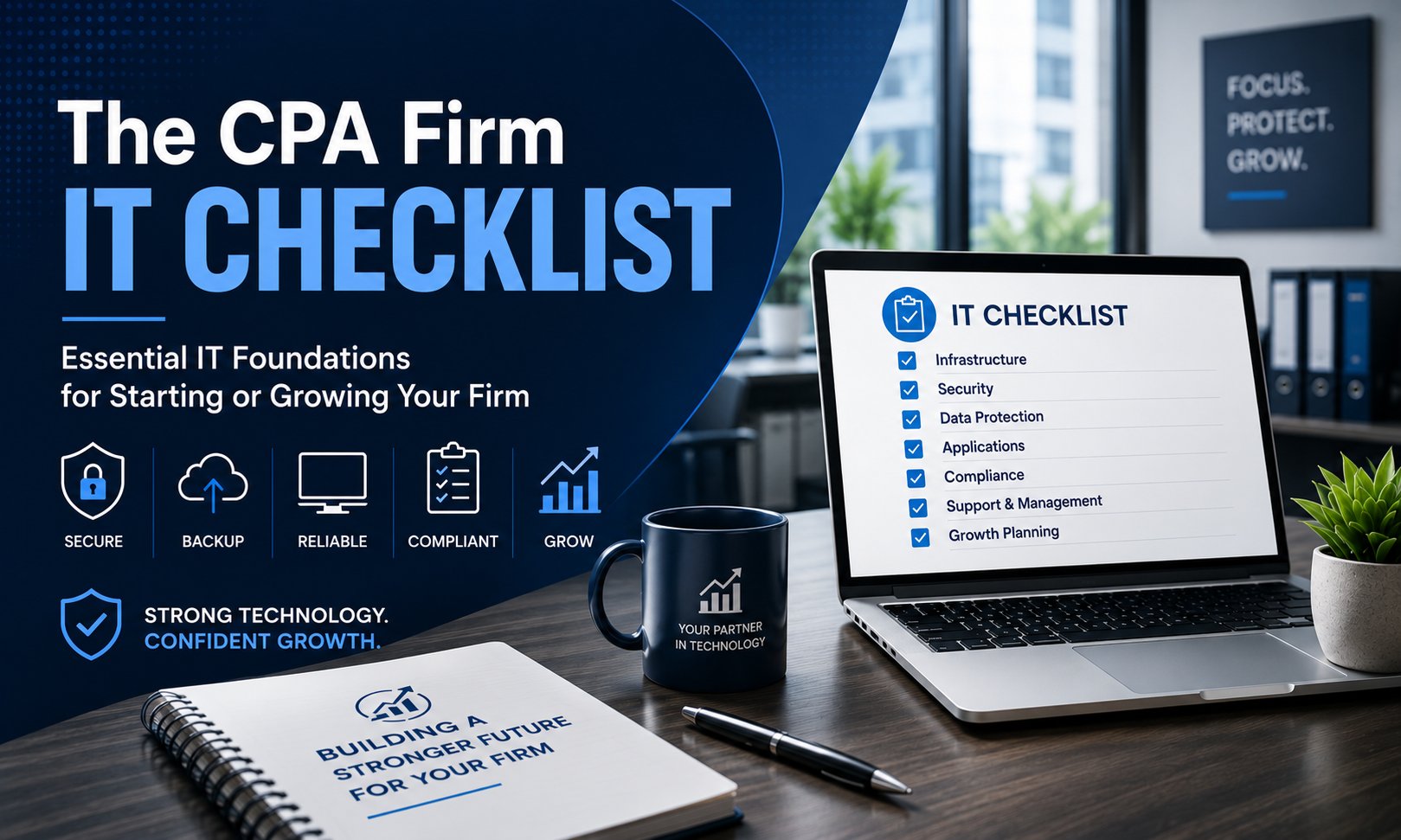
Starting or expanding a CPA firm involves much more than hiring staff and acquiring clients. The technology decisions you make today will directly impact your firm's productivity, cybersecurity, client experience, and long-term growth.
Many firms begin with a collection of laptops, a Microsoft 365 subscription, and tax software. While that may be enough to get started, it often creates challenges as the business grows. Security gaps, inconsistent processes, aging hardware, and poor documentation can become costly problems later.
A better approach is to build your technology with growth in mind. By investing in the right infrastructure from the beginning, your firm can scale more efficiently, protect sensitive client information, and avoid expensive technology overhauls in the future.
Many firms also underestimate the ongoing operational costs of managing technology. If you're budgeting for IT support as your firm grows, our guide on How Much Does Managed IT Cost for a 5-25 Employee Accounting Firm in California? explains what influences pricing and what services are typically included.
This checklist outlines the essential IT components every CPA firm should have in place before serving clients or expanding operations.
Why Technology Planning Matters
Accounting firms handle highly sensitive financial information every day. Tax returns, payroll records, financial statements, banking details, and personally identifiable information require a secure and reliable technology environment.
Well-planned IT helps your firm:
- Protect confidential client information
- Improve employee productivity
- Support hybrid and remote work
- Reduce downtime
- Simplify compliance efforts
- Prepare for future growth
- Create predictable technology budgets
Whether you're opening your first office or hiring your twentieth employee, these technology fundamentals provide a solid foundation.
Step 1: Build a Reliable Business Infrastructure
Every successful technology environment begins with dependable infrastructure.
Your firm should have:
- Business-class internet service with appropriate bandwidth
- Commercial-grade firewall
- Secure wireless network with separate guest Wi-Fi
- Managed network switches
- Battery backup (UPS) for critical equipment
- Documented network configuration
Avoid relying on consumer networking equipment designed for home use. Business-grade hardware provides better security, reliability, and management capabilities.
Step 2: Standardize Employee Technology
Standardization simplifies support, improves security, and reduces downtime.
Every employee should receive:
- Business-class laptop or desktop
- Docking station (if applicable)
- Dual monitors
- Webcam and headset for virtual meetings
- Microsoft 365 Business Premium or equivalent
- Device encryption
- Endpoint Detection and Response (EDR)
- Password manager
- Multi-Factor Authentication (MFA)
Using consistent hardware and software across the firm makes onboarding easier and troubleshooting more efficient.
Step 3: Select the Right Accounting Applications
The software your firm relies on should support both current operations and future growth.
Common applications include:
- QuickBooks
- Thomson Reuters products
- CCH software
- UltraTax CS
- Drake Tax
- Lacerte
- Practice management software
- Secure client portals
- Document management systems
- PDF editing tools
Before selecting software, consider:
- Cloud versus on-premises deployment
- Integration with Microsoft 365
- Multi-user performance
- Vendor support
- Security features
- Backup requirements
Choosing software that aligns with your firm's long-term goals reduces costly migrations later.
Step 4: Make Cybersecurity a Priority
Cybersecurity should never be treated as an optional add-on.
Accounting firms are frequent targets because they store valuable financial and personal information.
If you're unsure which protections should be implemented first, we've created a detailed guide covering the Cybersecurity Controls Every Accounting Firm Should Have Before Tax Season, including practical recommendations that help reduce risk year-round.
Your cybersecurity strategy should include:
- Multi-Factor Authentication on all business accounts
- Endpoint Detection and Response (EDR)
- Advanced email filtering
- DNS or web filtering
- Device encryption
- Security awareness training
- Vulnerability management
- Regular patch management
- Secure remote access
- Conditional access policies where appropriate
Security works best when multiple protective layers work together.
Step 5: Protect Your Data
Every CPA firm needs a comprehensive backup and disaster recovery strategy.
Your backup plan should include:
- Automated daily backups
- Cloud-based backup storage
- Multiple backup copies
- Regular restore testing
- Documented recovery procedures
- Clearly defined recovery priorities
Simply having backups isn't enough. You need confidence that your systems can be restored quickly when necessary.
Step 6: Plan for Compliance
Technology plays an important role in supporting compliance obligations. While every firm's requirements differ, many regulations and industry expectations rely on strong technology controls. For a deeper look at the technology practices that commonly support accounting firms, read our guide on What IT Compliance Requirements Should California Accounting Firms Be Following?
Although every firm's requirements differ, consider implementing:
- Access control policies
- Password management
- Security documentation
- Device inventory
- Encryption
- Incident response procedures
- Employee onboarding and offboarding processes
- Vendor management documentation
- Annual technology reviews
These practices help support client expectations, cybersecurity requirements, and broader compliance initiatives.
Step 7: Create a Technology Roadmap
One of the biggest mistakes growing firms make is purchasing technology only when something breaks.
Instead, develop a three-year roadmap that includes:
- Hardware replacement schedules
- Software upgrades
- Cybersecurity improvements
- Cloud migration opportunities
- Office expansion planning
- Budget forecasting
- Staff growth projections
Strategic planning allows technology investments to align with business goals instead of becoming unexpected expenses.
Example First-Year Technology Budget
Every firm's needs are different, but the following estimates provide a general planning framework for a modern CPA practice.
| Firm Size | Estimated First-Year IT Investment |
|---|---|
| 5 Employees | $10,000-$20,000 |
| 10 Employees | $20,000-$40,000 |
| 20 Employees | $40,000-$75,000 |
These estimates are intended for planning purposes only and can vary based on your security requirements, software stack, and growth plans. For a more detailed breakdown of ongoing managed IT pricing, see How Much Does Managed IT Cost for a 5-25 Employee Accounting Firm in California?
Common Technology Mistakes New CPA Firms Make
Many firms unintentionally create future challenges by taking shortcuts early on.
Common mistakes include:
- Purchasing consumer-grade laptops
- Using home networking equipment
- Delaying Multi-Factor Authentication
- Sharing user accounts
- Skipping cybersecurity training
- Choosing software without considering future growth
- Failing to document passwords and network configurations
- Waiting until equipment fails before replacing it
- Assuming backups don't need to be tested
Addressing these issues from the start can save significant time and money later.
How Everleap IT Helps CPA Firms Build for Growth
At Everleap IT, we help accounting firms design technology environments that support both current operations and future expansion.
Our Managed IT Services provide proactive monitoring, maintenance, and strategic technology planning that help firms stay productive and secure. We also deliver specialized Cybersecurity Services to strengthen your defenses against modern threats, along with Microsoft 365 Services that help your team collaborate securely whether they're in the office or working remotely.
Our approach combines more than 20 years of experience managing production hosting environments with proactive managed IT services.
We help clients:
- Standardize technology across the organization
- Strengthen cybersecurity
- Implement secure Microsoft 365 environments
- Monitor systems continuously
- Verify backups
- Develop long-term technology roadmaps
- Document infrastructure
- Support compliance-related technology controls
Rather than reacting to problems after they occur, we focus on building stable, secure, and scalable environments from day one.
Build Your Firm on a Strong Technology Foundation
The right technology decisions don't just solve today's problems. They create the foundation for years of growth, productivity, and client confidence.
By investing in reliable infrastructure, standardized devices, layered cybersecurity, comprehensive backups, and strategic planning, CPA firms can reduce operational risk while creating a technology environment that supports exceptional client service.
Whether you're launching a new practice or preparing for your next phase of growth, building your IT strategy intentionally will save time, reduce frustration, and position your firm for long-term success.
Ready to Build Your Firm's Technology the Right Way?
Everleap IT helps accounting firms and financial services organizations design secure, scalable technology environments that support business growth throughout California's Inland Empire, including Ontario, Rancho Cucamonga, Upland, Chino, Claremont, and nearby communities.
If you're starting a new CPA practice or planning your next expansion, we'd be happy to help you build an IT foundation that grows with your business. And if your firm already works with an IT provider but you're questioning whether they're supporting your firm's growth, our article 10 Signs It's Time to Replace Your Managed IT Provider can help you evaluate whether it's time for a change. Feel free to schedule a meeting for a free consultation.
Firm Size | Estimated First-Year IT Investment
5 Employees | $10,000-$20,000
10 Employees | $20,000-$40,000
20 Employees | $40,000-$75,000