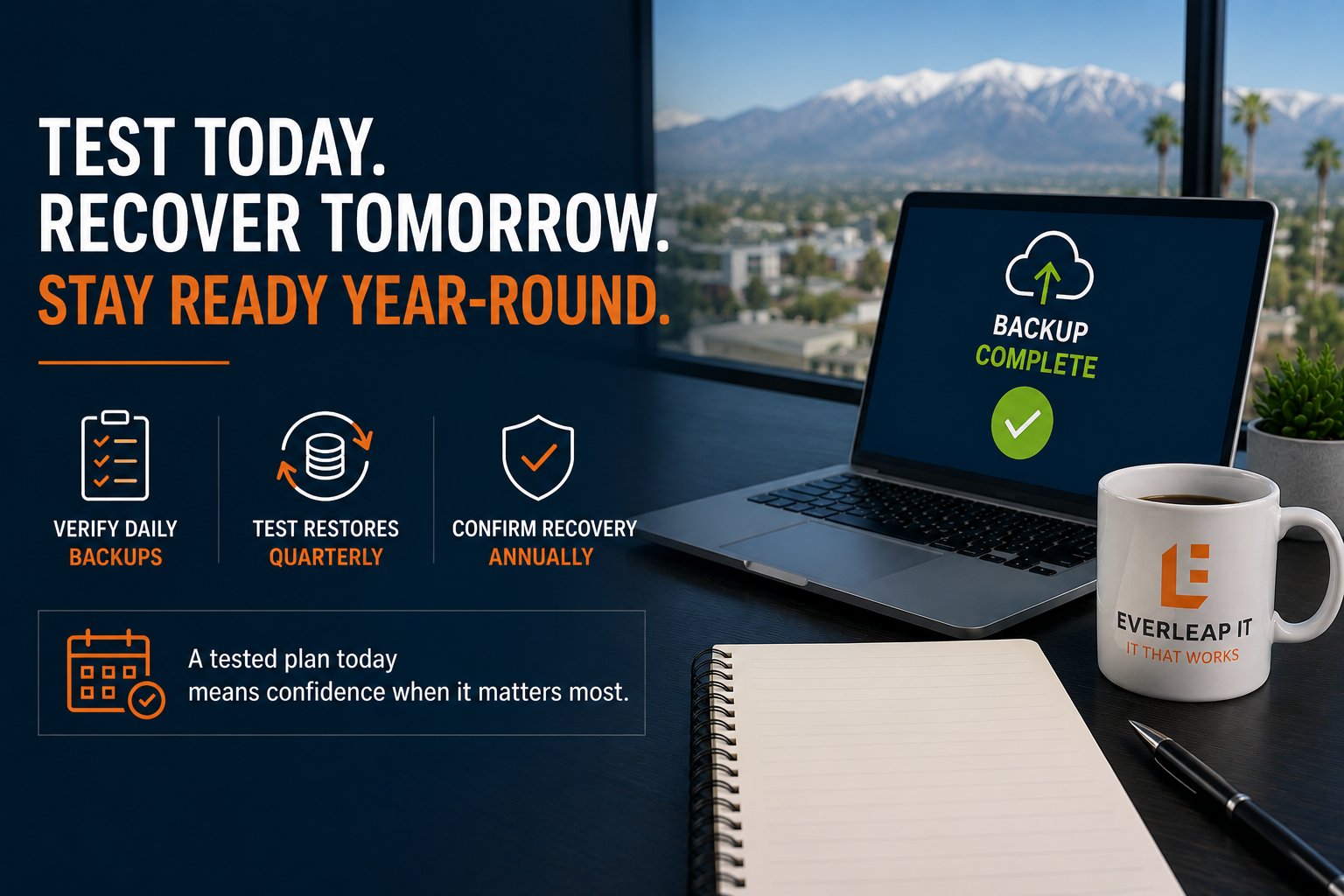
Accounting firms should verify backup jobs daily, test individual file restores at least quarterly, and conduct a more comprehensive disaster recovery test at least annually. Firms with higher availability requirements, significant infrastructure changes, or critical tax-season workloads may benefit from testing key recovery procedures more frequently. Those testing activities should be part of a documented disaster recovery plan that defines critical systems, recovery priorities, RTOs, RPOs, responsibilities, and recovery procedures.
The important distinction is that backup monitoring and disaster recovery testing are not the same thing.
A successful backup report tells you that a backup process completed. It does not necessarily prove that the firm's applications, data, infrastructure, and access can be restored within the time the business requires.
For a 5 to 25 employee accounting firm, a practical recovery-testing program can be built around four levels:
- Daily backup verification
- Quarterly restore testing
- Annual disaster recovery testing
- Additional testing after significant technology changes
The objective is straightforward: know that recovery works before you need it.
Why Successful Backups Do Not Prove You Can Recover
It is easy to assume that a green "successful" status in a backup system means the organization is protected.
It is certainly better than seeing failed backups.
But backup success and recovery readiness answer two different questions.
A backup asks:
Did we create a copy of the data?
Recovery asks:
Can we use that copy to restore the business service when something goes wrong?
Several problems can exist even when backup jobs appear successful.
For example:
- A required folder may have been excluded from the backup.
- An application may depend on another system that is not protected.
- Administrative credentials required for recovery may be unavailable.
- Documentation may reference infrastructure that has since changed.
- A restored application may not function correctly.
- Recovery may take considerably longer than leadership expects.
- The backup itself may work, but the recovery process may never have been tested.
For accounting firms, the last issue becomes especially important during periods of high client demand.
Discovering a recovery problem during tax season is very different from discovering it during a scheduled test.
A Four-Level Backup and Disaster Recovery Testing Framework
Testing does not mean performing a full disaster simulation every week.
Different activities answer different questions.
A practical approach is to separate testing into four levels.
1. Verify Backup Operations Daily
The first level is routine backup monitoring.
Backup systems should be checked for conditions such as:
- Failed backup jobs
- Incomplete backups
- Missed systems
- Storage capacity issues
- Connectivity failures
- Unexpected changes in backup size
- Backup agents that are no longer communicating
Ideally, this monitoring should occur automatically, with failures generating alerts for investigation.
But alerts alone are not enough.
Someone needs to be responsible for reviewing and resolving them.
A backup failure that generates an alert but remains unresolved for three weeks is still a backup failure.
For critical systems, the goal should be to identify backup problems quickly rather than discovering them when a restore is needed.
What daily verification proves
Daily verification provides evidence that the backup process is operating as expected.
It does not prove that a complete recovery will work.
That requires the next level of testing.
2. Perform Restore Tests at Least Quarterly
At least quarterly, firms should test whether backed-up data can actually be restored.
The scope can vary depending on the system.
A restore test might include:
- Recovering individual files
- Restoring folders
- Recovering Microsoft 365 data where applicable
- Restoring application data
- Validating permissions
- Confirming that recovered files open correctly
The purpose is not simply to press a restore button and see whether the system reports success.
The recovered information should be validated.
For example, if a client document is restored, can it actually be opened?
If application data is recovered, can the application use it?
If permissions are part of the restoration, do the appropriate users still have access?
These tests provide a higher level of confidence because they test the recovery process rather than only the backup process.
Keep a record of the test
Document:
- Date tested
- System or data tested
- Backup used
- Restore procedure
- Person performing the test
- Result
- Problems discovered
- Corrective action required
That creates a history of recovery testing rather than relying on someone remembering that "we tested it sometime last year."
3. Conduct a Disaster Recovery Test at Least Annually
Individual restore tests are important, but they still do not answer the larger question:
Can the firm restore a critical business service after a significant failure?
At least annually, accounting firms should consider testing a broader disaster recovery scenario.
The exact test will depend on the environment.
For example, the firm might simulate:
A failed server
How would the server be restored, and how long would it take?
A ransomware event
Which backup would be selected, and how would the firm avoid restoring compromised data?
Loss of a critical application
What systems must be restored first for employees to regain access?
Loss of the primary office
Can employees access the systems and information they need from another location?
A disaster recovery test does not necessarily require intentionally shutting down the production environment.
Many scenarios can be tested using isolated recovery environments, tabletop exercises, documented walkthroughs, or controlled restoration procedures.
The level of testing should reflect the complexity and risk of the firm's technology environment.
These exercises also help firms distinguish between disaster recovery and business continuity. Disaster recovery focuses on restoring technology, while business continuity addresses how the firm continues operating while recovery is underway.
4. Retest After Significant Technology Changes
Annual testing alone can create a false sense of security if the environment changes substantially between tests.
Consider what can change in twelve months:
- New servers
- New computers
- Firewall replacements
- Microsoft 365 configuration
- Cloud migrations
- New tax applications
- New document management systems
- Identity changes
- New office locations
- New vendors
- Employee turnover
Any significant change can affect recovery.
For example, suppose a firm tests its recovery process in January.
Six months later, it moves a critical application to a new server.
The January test no longer proves that the new environment can be recovered.
Recovery planning should therefore be incorporated into technology change management.
When a business-critical system changes, ask:
Does this change affect our backup or recovery procedures?
If the answer is yes, update the documentation and test the affected recovery process.
Test More Frequently When the Business Risk Is Higher
There is no universal testing frequency that fits every accounting firm.
A five-person firm with mostly cloud-based applications may have very different requirements from a 25-person firm operating several servers and specialized line-of-business applications.
Testing frequency should reflect business impact.
Factors to consider include:
- How long the firm can operate without the system
- How much data the firm can afford to lose
- How frequently the system changes
- Whether the system supports client deadlines
- How complex the recovery process is
- Whether the firm has experienced previous recovery problems
- Whether regulatory, contractual, insurance, or client requirements affect recovery expectations
A system with a 24-hour acceptable recovery time may justify a different testing schedule than one the firm expects to restore within two hours.
The tighter the recovery requirement, the more important it becomes to validate that the requirement is realistic. Determining an appropriate recovery target also requires understanding the business and financial impact of downtime. A system that creates significant operational disruption after two hours should not necessarily have the same recovery objective as one the firm can operate without for a full day.
Use RTO and RPO to Evaluate the Test
A disaster recovery test should not end with:
"It worked."
It should ask:
"Did it work within our recovery objectives?"
Two numbers help answer that.
Recovery Time Objective
The Recovery Time Objective (RTO) defines how long a system can be unavailable before the disruption becomes unacceptable to the business.
Suppose the firm's RTO for a critical document system is four hours.
During a test, recovery takes seven hours.
The recovery technically worked.
But the test still identified a gap because actual recovery performance did not meet the business requirement.
Recovery Point Objective
The Recovery Point Objective (RPO) defines how much recent data the firm can afford to lose.
Suppose leadership expects no more than one hour of lost work.
If the backup configuration can result in four hours of lost data, the technology does not support the business requirement.
Testing should therefore validate both:
Can we recover?
and
Can we recover quickly enough, with an acceptable amount of data loss?
What Should Be Documented After a Recovery Test?
Testing has limited value if the organization identifies problems but does not correct them.
Every meaningful test should produce a short list of findings.
For each problem, document:
- What happened
- Why it happened
- Business impact
- Corrective action
- Person responsible
- Target completion date
- Whether retesting is required
For example:
Finding: Critical application restoration took six hours.
Business requirement: Four-hour RTO.
Gap: Recovery exceeded the objective by two hours.
Corrective action: Review restoration procedure and infrastructure requirements.
Retest: Required after remediation.
This turns disaster recovery testing into an improvement process rather than a checkbox exercise.
Test the People and Documentation Too
Technology is only one part of recovery.
A good test should also reveal whether people know what to do.
Ask questions such as:
- Who declares a disaster?
- Who starts the recovery process?
- Who contacts vendors?
- Who communicates with employees?
- Who determines which system is restored first?
- Where are recovery credentials stored?
- Where is the disaster recovery plan located?
- What happens if the primary technical contact is unavailable?
Documentation should make those answers available without depending on one employee's memory.
This matters especially for smaller firms where institutional knowledge may be concentrated among only a few people.
A recovery process that works only when one specific person is available introduces another operational dependency.
Consider Timing Before Tax Season
Accounting firms have an additional factor that many businesses do not:
their operational risk changes throughout the year.
An outage during a slower period may be disruptive.
The same outage immediately before a major filing deadline may be significantly more damaging.
That makes the weeks before peak season an appropriate time to confirm recovery readiness.
Before entering a critical production period, firms should consider verifying:
- Backup jobs are completing
- Restore tests have succeeded
- Critical systems are protected
- Recovery documentation is current
- Vendor contacts are accurate
- Administrative access is available
- Recovery priorities still reflect business requirements
- Known recovery issues have been addressed
This does not replace the annual disaster recovery test.
It provides an additional readiness check before the firm's tolerance for disruption becomes much lower.
Recovery Testing Is an Operational Discipline
Backup and disaster recovery should not be treated as technology that gets installed and then forgotten.
Applications change.
Infrastructure changes.
People change.
Business requirements change.
Recovery capability needs to change with them.
At Everleap IT, we view recovery testing as part of operating a Production Ready technology environment.
That means monitoring whether backups are functioning, periodically validating recovery, documenting procedures, addressing identified gaps, and adjusting the recovery strategy as the environment evolves.
The goal is not to create a perfect disaster recovery plan.
The goal is to create a tested and repeatable recovery capability.
How Everleap IT Approaches Recovery Readiness
Our approach has been shaped by more than 20 years of operating production hosting environments, where backups, monitoring, availability, documentation, and recovery are ongoing operational responsibilities.
For accounting firms, that same mindset can be applied through:
- Backup monitoring
- Restore verification
- Disaster recovery planning
- Recovery testing
- Infrastructure monitoring
- Documentation
- Business continuity planning
- Strategic technology planning
- Production Readiness assessments
Testing frequency and scope should always reflect the firm's actual systems, business requirements, and acceptable operational risk.
When Was Your Last Successful Recovery Test?
If the answer is unclear, that is useful information by itself.
A practical starting point for many accounting firms is:
Daily: Verify critical backup operations.
Quarterly: Test representative restores.
Annually: Conduct a broader disaster recovery test.
After major changes: Retest affected recovery procedures.
Those intervals should be adjusted based on the firm's recovery requirements and technology environment, but they provide a practical framework for turning backups into a recovery capability.
Everleap IT helps accounting firms throughout California's Inland Empire, including Rancho Cucamonga, Upland, Claremont, and nearby communities, improve recovery readiness through proactive monitoring, backup verification, disaster recovery planning, recovery testing, business continuity planning, and Production Readiness assessments.
If your firm is unsure whether its backups can actually support its recovery requirements, a technology assessment can help identify gaps before an outage puts the recovery process to the test. Get in touch to evaluate your IT systems and book an assessment