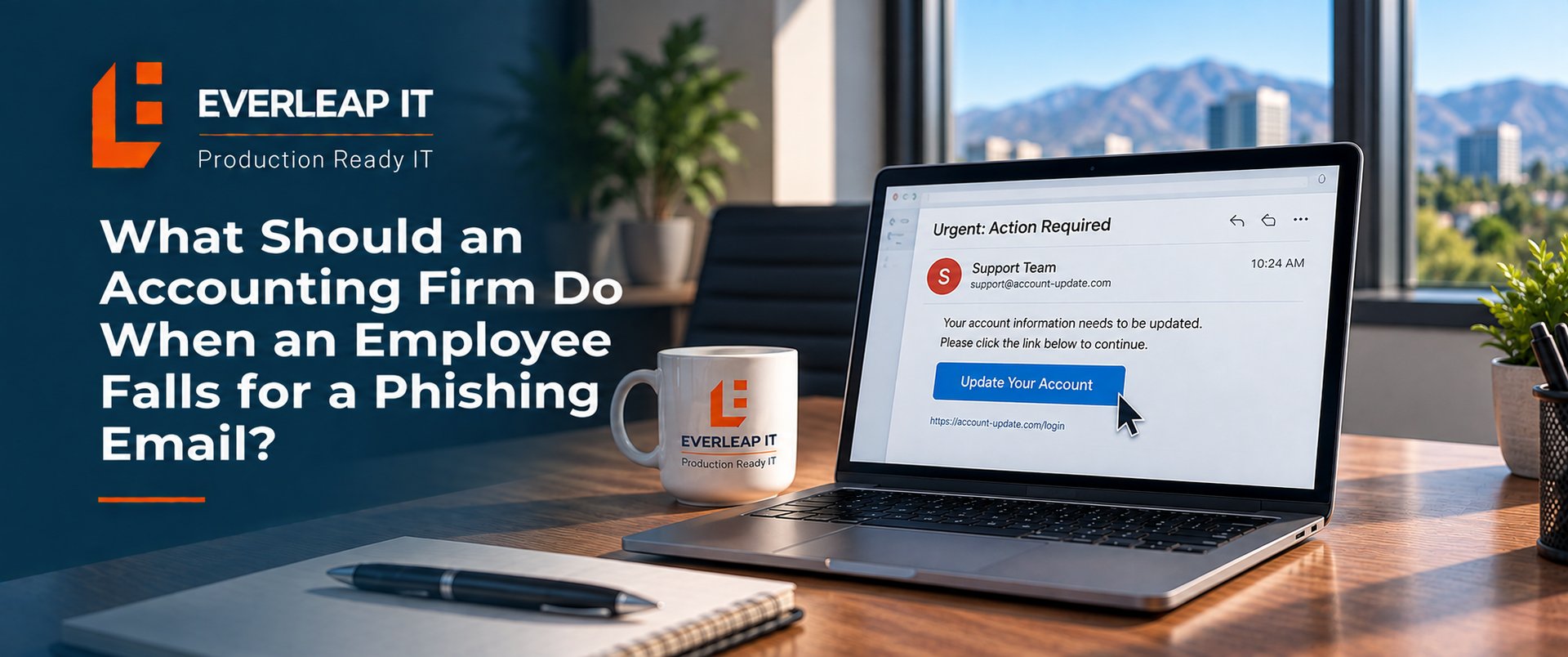
If an employee at an accounting firm falls for a phishing email, the firm should report the incident immediately, determine exactly what the employee did, secure any potentially compromised accounts or devices, investigate what the attacker may have accessed, and document the incident.
The first 15 to 60 minutes can be especially important if the employee entered a password, approved an unexpected MFA request, opened an attachment, downloaded software, or provided sensitive information.
The employee should not try to hide the mistake or spend time figuring out whether the email was actually malicious. Report it first. The IT or security team can determine what happened and what response is appropriate.
For an accounting firm handling tax documents, financial information, payroll data, and client records, a compromised email account can quickly become more than an email problem.
A practical response can be organized into five steps.
Step 1: Report the Phishing Incident Immediately
The employee should contact the firm's IT provider or designated security contact as soon as they realize something may be wrong. They should explain:
- Which email they received
- What link they clicked
- Whether they entered a username or password
- Whether they approved an MFA request
- Whether they opened or downloaded an attachment
- Whether they provided client or financial information
- Approximately when it happened
Speed matters. An employee who reports a mistake within a few minutes gives the IT team an opportunity to investigate and contain the incident much sooner than an employee who waits until the end of the day. Employees should also avoid deleting the original phishing email unless instructed to do so. The message may contain information the IT team needs for its investigation.
Step 2: Determine What the Employee Actually Did
Not every phishing email creates the same level of risk. There is a significant difference between these situations:
The employee opened the email but did nothing else.
There may be little to remediate if the employee did not interact with malicious content.
The employee clicked a link but entered no information.
The IT team should determine where the link went and whether anything else occurred.
The employee entered their Microsoft 365 password.
The account should be treated as potentially compromised.
The employee approved an unexpected MFA request.
An attacker may have successfully authenticated to the account.
The employee opened an attachment or installed software.
The computer itself may need to be isolated and investigated.
The employee provided financial, client, or other sensitive information.
The incident may require involvement beyond the IT provider.
This distinction is important because the correct response depends on what actually happened.
Step 3: Contain Potentially Compromised Accounts or Devices
Once the IT team understands the incident, containment can begin. Depending on what happened, appropriate actions may include:
- Resetting the employee's password
- Revoking active Microsoft 365 sessions
- Reviewing MFA methods
- Blocking malicious domains, URLs, or senders
- Checking for suspicious mailbox rules or forwarding
- Reviewing recent login activity
- Isolating a potentially compromised computer
- Running endpoint security scans
- Determining whether other employees received the same message
A password reset by itself should not automatically be considered the end of the response. Proper Microsoft 365 security for an accounting firm also requires visibility into authentication activity, MFA configuration, mailbox rules, forwarding, and other settings that may indicate an account has been compromised.
If an attacker obtained the employee's credentials, the IT team should determine whether those credentials were actually used and whether the attacker made changes that could provide continued access.
Step 4: Investigate What Happened After the Click
Once the immediate threat is contained, the accounting firm needs to understand the scope of the incident. A useful investigation establishes a timeline:
- When did the employee interact with the phishing email?
- What information did the employee provide?
- Did a suspicious login occur?
- What activity occurred after that login?
- Were authentication settings changed?
- Were mailbox rules or forwarding added?
- Was information accessed, downloaded, or sent?
- Were phishing emails sent from the employee's account?
This can be particularly important for accounting firms. A compromised mailbox may contain conversations involving:
- Invoices
- ACH information
- Wire transfers
- Payroll
- Tax documents
- Client financial information
- Vendor payments
An attacker may also use the legitimate employee account to send convincing messages to coworkers, clients, or vendors. The firm therefore needs to determine whether it experienced an unsuccessful phishing attempt, an account compromise, a device compromise, or a broader cybersecurity incident that requires additional response steps.
Step 5: Document the Incident and Determine the Next Actions
The firm should document what happened even if the incident appears to have been contained quickly. The record should include:
- Date and time reported
- Employee involved
- Original phishing message
- Actions taken by the employee
- Accounts or devices potentially affected
- Containment actions
- Investigation findings
- Information potentially exposed
- People involved in the response
- Required follow-up actions
Depending on the circumstances, firm leadership may also need to involve its cyber insurance carrier, legal counsel, compliance professionals, financial institution, affected clients, or other appropriate parties.
The IT provider's role is to help establish the technical facts.
Questions about legal obligations, regulatory notifications, insurance coverage, or required client notifications should be addressed by the appropriate professionals based on the specific circumstances.
Example: An Employee Enters Their Microsoft 365 Password
Consider a hypothetical 15-person accounting firm.
At 10:15 a.m., an employee receives an email that appears to be a Microsoft 365 notification. The employee clicks a link and enters their email address and password. Five minutes later, the employee realizes something does not look right and contacts the firm's IT provider. The IT team can immediately begin investigating:
- Whether suspicious authentication occurred
- Whether active sessions need to be revoked
- Whether the password needs to be reset
- Whether MFA settings were modified
- Whether inbox or forwarding rules were created
- Whether email was accessed or sent
- Whether other employees received the phishing message
Now consider the same employee saying nothing until 4:30 p.m. Instead of beginning the investigation within minutes, a potentially compromised account may have remained exposed for several hours.
That is why one of the most useful phishing-response instructions an accounting firm can give employees is simple: If you think you clicked something you should not have, report it immediately.
Should the Employee Change Their Password Immediately?
Possibly, but the employee should report the incident first and follow the firm's response process. If credentials were exposed, changing the password may be one of the first containment actions. But effective password and identity security goes beyond the password itself and may require reviewing MFA, active sessions, authentication activity, and other account protections. But a password change does not tell the firm whether an attacker already logged in, created forwarding rules, changed authentication settings, accessed information, or established another method of access.
The objective is not simply to change the password. The objective is to determine whether the account was compromised and what happened afterward.
What Should an Accounting Firm Have in Place Before the Next Phishing Email?
The best time to establish a phishing response process is before someone clicks. A documented cybersecurity incident response plan for the accounting firm can define who employees should contact, who makes response decisions, what information should be preserved, and when other professionals need to become involved.
Employees should know a simple sequence: Stop → Report → Contain → Investigate → Document. They should also know exactly who to contact. The firm's broader cybersecurity controls should include appropriate protections such as:
- Multi-factor authentication
- Email security
- Endpoint protection
- Security awareness training
- Appropriate account permissions
- Microsoft 365 security monitoring
- Incident response procedures
- Reliable backup and recovery systems
No combination of security tools can guarantee that an employee will never interact with a convincing phishing email. A more realistic objective is to make attacks harder to succeed and make the firm's response fast, repeatable, and well understood when something does happen.
How Everleap IT Helps Accounting Firms Prepare for Phishing Incidents
Everleap IT approaches phishing as a cybersecurity and operational risk, not simply another help desk ticket. When an employee reports a suspicious interaction, the immediate questions are: What happened? What may have been compromised? What needs to be contained? What evidence is available to determine the scope?
Everleap IT helps accounting firms throughout California's Inland Empire, including Rancho Cucamonga, Upland, Ontario, Chino, Claremont, and nearby communities, operate business-critical technology through proactive IT management, cybersecurity, recovery readiness, and Production Readiness.
The goal is not to assume employees will never make a mistake. It is to have the security controls and response process in place so that when someone does, the firm knows what to do next. Talk with Everleap IT about your accounting firm's cybersecurity and incident-response readiness to identify gaps before the next phishing email reaches an employee.