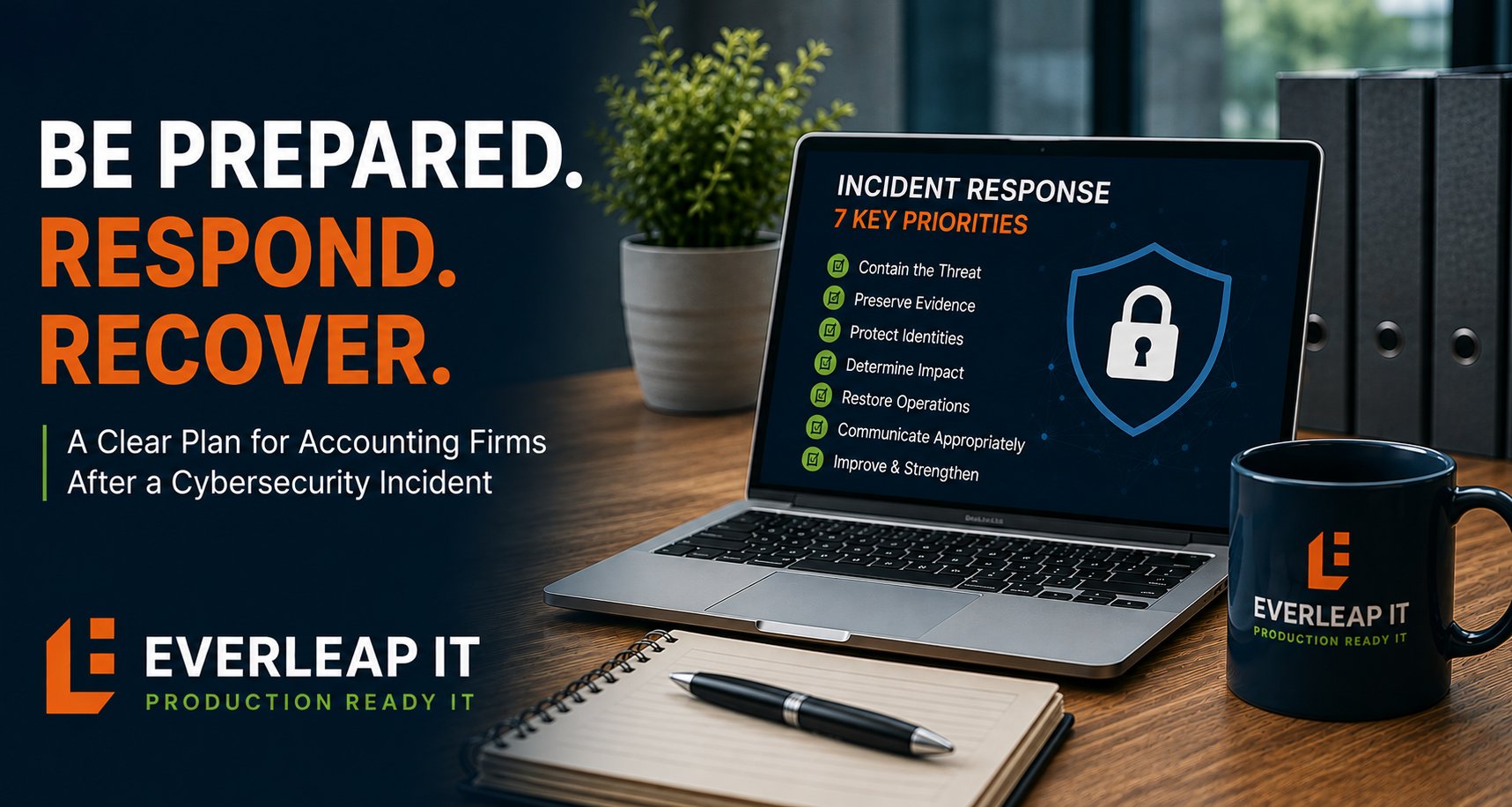
After a cybersecurity incident, an accounting firm should follow a structured response process built around seven priorities: contain the threat, preserve evidence, protect identities, determine what was affected, restore operations safely, communicate appropriately, and address the conditions that allowed the incident to occur.
For a 5 to 25 employee accounting firm, the first few hours can be especially important. The objective is not to restore everything as quickly as possible without understanding what happened. Moving too quickly can destroy useful evidence, leave compromised accounts active, or return affected systems to production before they are safe.
The better approach is to follow a documented incident response process that helps the firm contain the problem, understand its scope, make informed decisions, and restore business operations in a controlled manner.
Why Accounting Firms Need a Cybersecurity Incident Response Process
Accounting firms maintain information that may include:
- Client financial information
- Tax records
- Employee information
- Personally identifiable information
- Banking information
- Business records
- Microsoft 365 email and files
- Documents shared through client portals
A cybersecurity incident involving those systems can create more than an IT problem. Depending on the circumstances, it may create operational, legal, insurance, client-communication, and regulatory considerations. Examples of incidents may include:
- A compromised Microsoft 365 account
- Phishing-related credential theft
- Business email compromise
- Malware
- Ransomware
- Unauthorized access
- Lost or stolen equipment
- Suspicious administrative activity
- Data exposure
The appropriate response will depend on what happened. However, the firm should not have to invent its response process during the incident itself.
A seven-step framework can help establish the sequence.
1. Contain the Immediate Threat
The first priority is to prevent the incident from spreading or causing additional damage. Depending on the situation, containment might involve:
- Isolating an affected computer
- Disabling a compromised account
- Revoking active sessions
- Blocking malicious activity
- Disconnecting an affected system from the network
- Restricting administrative access
- Temporarily disabling a service
- Blocking known malicious email or domains
The specific action should reflect the incident. A compromised Microsoft 365 account requires a different containment process from ransomware affecting a server.
Do Not Automatically Shut Everything Down
An employee discovering suspicious activity may instinctively unplug equipment, delete messages, restart a computer, or begin changing settings. Sometimes immediate isolation is appropriate. But indiscriminate action can make investigation more difficult or disrupt unaffected systems unnecessarily.
Employees should know how to report the incident quickly and avoid making uncoordinated changes unless instructed to do so. The IT provider or incident-response team can then determine the appropriate containment steps.
Speed Matters, but So Does Coordination
A useful initial response should establish:
What happened? Which system or account is involved? Is the activity still occurring? Could other systems be affected? Who needs to be involved immediately?
The goal is controlled containment, not panic-driven remediation.
2. Preserve Evidence and Document What Happened
Once immediate containment is underway, preserve information that may help determine what occurred. Useful evidence can include:
- Security logs
- Microsoft 365 sign-in activity
- Email headers
- Endpoint security alerts
- Firewall logs
- Screenshots
- Suspicious messages
- File timestamps
- Administrative activity
- Backup logs
- User reports
The firm should also begin documenting the timeline. Record details such as:
- When the issue was discovered
- Who discovered it
- What was observed
- Which systems were involved
- What containment actions were taken
- Who was notified
- What changes were made
Why the Timeline Matters
During an incident, events can happen quickly. Several technicians may be working simultaneously. Employees may provide additional information. Security systems may generate new alerts. Without a written timeline, it can become difficult to reconstruct the sequence later. That timeline may be useful for:
- Technical investigation
- Cyber insurance
- Legal review
- Leadership communication
- Client communication
- Post-incident analysis
Documentation should begin during the response rather than relying on memory afterward.
3. Protect User Identities and Administrative Access
Many cybersecurity incidents involve credentials. Because compromised credentials can provide continued access even after the initial activity is discovered, identity security should be a central part of both incident response and ongoing cybersecurity planning.
If an employee account has been compromised, simply changing the password may not be enough. Depending on the circumstances, response steps may include:
- Resetting passwords
- Revoking active sessions
- Reviewing MFA methods
- Removing unauthorized authentication methods
- Reviewing mailbox forwarding
- Reviewing inbox rules
- Checking delegated access
- Reviewing recent sign-ins
- Reviewing administrative privileges
- Disabling unnecessary accounts
- Rotating administrative credentials
Pay Particular Attention to Privileged Accounts
Administrative accounts can provide access to large portions of the environment. During an incident, determine whether privileged accounts were involved or exposed.
Review:
- Microsoft 365 administrators
- Domain administrators
- Backup administrators
- Firewall administrators
- Remote-management accounts
- Application administrators
If a privileged account may have been compromised, the scope of the investigation may need to expand.
Look Beyond the Account That Reported the Problem
Suppose one employee reports a suspicious Microsoft 365 login. The investigation should not automatically assume only that employee is affected.
Ask:
- Were similar login attempts made against other employees?
- Did the attacker access the address book?
- Were phishing messages sent internally?
- Were email rules created?
- Were files accessed?
- Were additional credentials exposed?
The visible symptom may be only one part of the incident.
4. Determine the Scope and Business Impact
Containment answers: How do we stop this from getting worse?
Investigation answers: What actually happened?
The firm and its technical resources should determine, as reasonably as possible:
- Which users were affected
- Which devices were affected
- Which systems were accessed
- How access occurred
- When the incident began
- How long unauthorized access may have existed
- Whether data was accessed
- Whether data was altered
- Whether data may have been removed
- Whether other systems remain at risk
Separate Confirmed Facts From Assumptions
Early in an incident, information will be incomplete.
Leadership may hear: "The attacker downloaded client files."
when the evidence actually shows: "An unauthorized account accessed a location containing client files. We are still determining which files were viewed or downloaded."
That distinction matters.
Incident communications should clearly separate: What we know from What we are still investigating. This helps leadership make decisions based on evidence rather than speculation.
5. Restore Business Operations Safely
Once affected systems are understood and appropriately contained, attention shifts toward recovery. The objective is not simply to make systems available again. It is to restore them without reintroducing the original problem. Depending on the incident, recovery may include:
- Rebuilding affected computers
- Restoring data from backups
- Resetting credentials
- Reconfiguring security controls
- Removing malicious applications
- Restoring servers
- Reconnecting isolated systems
- Validating applications
- Testing employee access
- Monitoring for recurring activity
Establish Recovery Priorities
Not every system needs to return at the same time. For an accounting firm, priority systems might include:
- Internet connectivity
- Identity and authentication
- Microsoft 365
- Tax and accounting applications
- Document management
- Client portals
- Other business applications
The actual order will depend on the firm's environment. A documented IT disaster recovery plan should identify which systems are most important to business operations, establish recovery priorities, and define how critical technology will be restored following a significant disruption.
Validate Before Returning Systems to Production
Before restoring normal access, ask:
- Has the original threat been removed?
- Have compromised credentials been addressed?
- Are required security controls active?
- Has restored data been validated?
- Are applications functioning correctly?
- Is monitoring in place?
- Are users receiving the correct access?
Recovery should be deliberate. Regular recovery testing before an incident can also help confirm that backup systems, procedures, and dependencies work before they are needed during an actual emergency.
6. Address Communication, Insurance, and Notification Requirements
A cybersecurity incident may require involvement beyond the IT provider. Depending on the incident, the firm may need to contact:
- Leadership
- Legal counsel
- Cyber insurance
- Forensic specialists
- Clients
- Vendors
- Law enforcement
- Regulatory or other appropriate authorities
The appropriate parties and notification requirements depend on the circumstances. IT personnel should not independently make legal conclusions about whether a breach occurred or whether notification is required. Those decisions should involve the appropriate legal, insurance, and leadership resources.
Know Your Cyber Insurance Process Before an Incident
Cyber insurance requirements can affect how an organization should respond to an incident, including which legal, forensic, and notification resources need to be involved. For example, the carrier may have:
- A breach hotline
- Approved legal counsel
- Approved forensic providers
- Notification requirements
- Consent requirements before certain expenses are incurred
Those details should be understood before an incident occurs. During a serious event, leadership should not be searching through policy documents for the first time to determine whom to call.
Coordinate External Communication
Client communication should be accurate and controlled. Avoid communicating conclusions before the facts are established. A useful communication process identifies:
- Who approves external communications
- Who communicates with employees
- Who communicates with clients
- What facts are confirmed
- What remains under investigation
- When updates will be provided
Clear communication can reduce confusion during an already disruptive event.
7. Conduct a Post-Incident Review
Restoring operations is not the end of incident response. After the immediate event is resolved, conduct a structured review.
Ask:
What happened?
How did it happen?
How was it detected?
What worked during the response?
What slowed the response?
Which controls failed or were missing?
What should change?
The objective is not to assign blame. It is to reduce the likelihood or impact of a similar incident in the future.
Turn Findings Into Specific Improvements
A post-incident review may identify improvements such as:
- Stronger Conditional Access policies
- Reduced administrative privileges
- Improved security awareness
- Better email protection
- Faster employee reporting
- Improved logging
- Updated documentation
- Better backup procedures
- Revised escalation procedures
- Additional monitoring
- Updated incident-response contacts
The post-incident review should also determine whether the firm's existing cybersecurity controls need to be strengthened, reconfigured, or monitored differently based on what the investigation revealed.
Each recommendation should have:
An owner
A priority
A target completion date
Otherwise, lessons learned during the incident can disappear once normal business operations resume.
What Should Employees Do When They Suspect a Cybersecurity Incident?
Employees should not be expected to investigate cybersecurity incidents themselves. They should know how to recognize and report suspicious activity. Examples include:
- Unexpected MFA prompts
- Suspicious login notifications
- Unusual email activity
- Messages appearing in Sent Items that they did not send
- Unexpected password changes
- Security warnings
- Suspicious attachments
- Unusual computer behavior
- Ransomware messages
- Lost or stolen equipment
A simple employee procedure can be: Stop. Report. Wait for instructions.
Employees should know who to contact and how to contact them, particularly if normal email or systems are unavailable. That reporting process should be reinforced before an incident occurs.
Example: A Compromised Microsoft 365 Account
Consider a 15-person accounting firm. At 10:15 AM, an employee reports receiving several unexpected MFA prompts. Shortly afterward, coworkers report receiving unusual emails from that employee's account. The response begins immediately.
Containment
The employee's account is disabled or otherwise restricted, active sessions are revoked, and suspicious activity is blocked.
Evidence Preservation
Microsoft 365 sign-in logs, email activity, authentication changes, and other relevant information are preserved and reviewed.
Identity Review
The team checks:
- Recent sign-ins
- MFA methods
- Mailbox rules
- Forwarding
- Delegated permissions
- Administrative access
Scope Investigation
Other employee accounts are reviewed for similar activity. The firm determines whether the compromised account accessed sensitive files or sent additional phishing messages.
Recovery
The account is secured, credentials and authentication methods are reset as appropriate, suspicious configurations are removed, and the employee's access is validated.
Communication
Leadership is briefed on confirmed facts and unresolved questions. Legal counsel and cyber insurance resources are involved if circumstances warrant.
Post-Incident Review
The firm determines how the account was compromised and whether changes are needed to Conditional Access, security awareness, authentication, or monitoring. The key point is that the response follows a process. The team does not simply change the employee's password and assume the incident is over.
A 15-Point Cybersecurity Incident Response Checklist
When an incident occurs, the firm should be prepared to address these questions:
- Has the immediate threat been contained?
- Are affected devices or accounts isolated where appropriate?
- Have relevant logs and evidence been preserved?
- Has an incident timeline been started?
- Have compromised credentials and sessions been addressed?
- Have privileged accounts been reviewed?
- Have other users and systems been checked for related activity?
- Do we understand which systems and data may have been affected?
- Are confirmed facts separated from assumptions?
- Have recovery priorities been established?
- Are systems being validated before returning to production?
- Has leadership been informed?
- Have legal counsel and cyber insurance resources been contacted where appropriate?
- Are external communications being coordinated?
- Will a post-incident review produce specific corrective actions?
The exact response will vary by incident, but these questions create a practical framework for managing the event.
What Should an Accounting Firm Have in Place Before an Incident?
The quality of incident response often depends on work completed before the incident occurs. At minimum, firms should consider maintaining:
- An incident response plan
- Current IT documentation
- Cyber insurance contact information
- Legal and escalation contacts
- Administrative account information
- Backup and recovery procedures
- Asset inventories
- Critical vendor contacts
- Employee reporting procedures
- Communication procedures
The firm should also know which people have authority to make important decisions during an incident. If the managing partner is unavailable, who can approve emergency actions? If email is unavailable, how will leadership communicate? If the IT provider needs to isolate a critical system, who should be informed? Those decisions are easier to make in advance.
Incident Response Is an Operational Capability
Cybersecurity prevention is important, but no organization can assume that prevention will always succeed. Accounting firms should therefore evaluate security in two dimensions:
How do we reduce the likelihood of an incident? and
How effectively can we respond when an incident occurs?
A resilient technology environment needs both.
At Everleap IT, we view cybersecurity incident response as part of operating business-critical technology. That means preparing for containment, investigation, recovery, communication, and improvement before those capabilities are urgently needed.
How Everleap IT Approaches Cybersecurity Readiness
Our approach has been shaped by more than 20 years of operating production hosting environments, where security events and operational incidents require documented processes, clear escalation, reliable recovery, and disciplined communication.
For accounting firms, those principles can be applied through:
- Cybersecurity controls
- Microsoft 365 security
- Identity and access management
- Proactive monitoring
- Backup and recovery
- Recovery testing
- IT documentation
- Incident response planning
- Security reviews
- Production Readiness assessments
For accounting firms, a broader cybersecurity strategy can combine preventive controls with the monitoring, recovery, documentation, and incident-response capabilities needed when prevention does not succeed.
The objective is not to promise that a cybersecurity incident will never occur. It is to reduce risk and improve the firm's ability to respond effectively if one does.
What Should Your Accounting Firm Do Next?
Do not wait for a cybersecurity incident to determine who should be called or what should happen. Before an incident occurs:
- Document the response process.
- Define internal and external contacts.
- Verify backup and recovery capabilities.
- Establish employee reporting procedures.
- Review cybersecurity controls and administrative access.
- Understand cyber insurance response requirements.
- Periodically review and update the plan.
Everleap IT helps accounting firms throughout California's Inland Empire, including Rancho Cucamonga, Upland, Ontario, Chino, Claremont, and nearby communities, protect and operate business-critical technology through cybersecurity, identity management, proactive monitoring, backup and recovery, documentation, strategic planning, and Production Readiness assessments.
If your accounting firm wants to improve its cybersecurity readiness, a technology assessment can help identify security and operational risks, evaluate recovery capabilities, and determine which incident-response processes should be strengthened before they are needed. Feel free to reach out to us to discuss your IT environment and book a technology assessment.