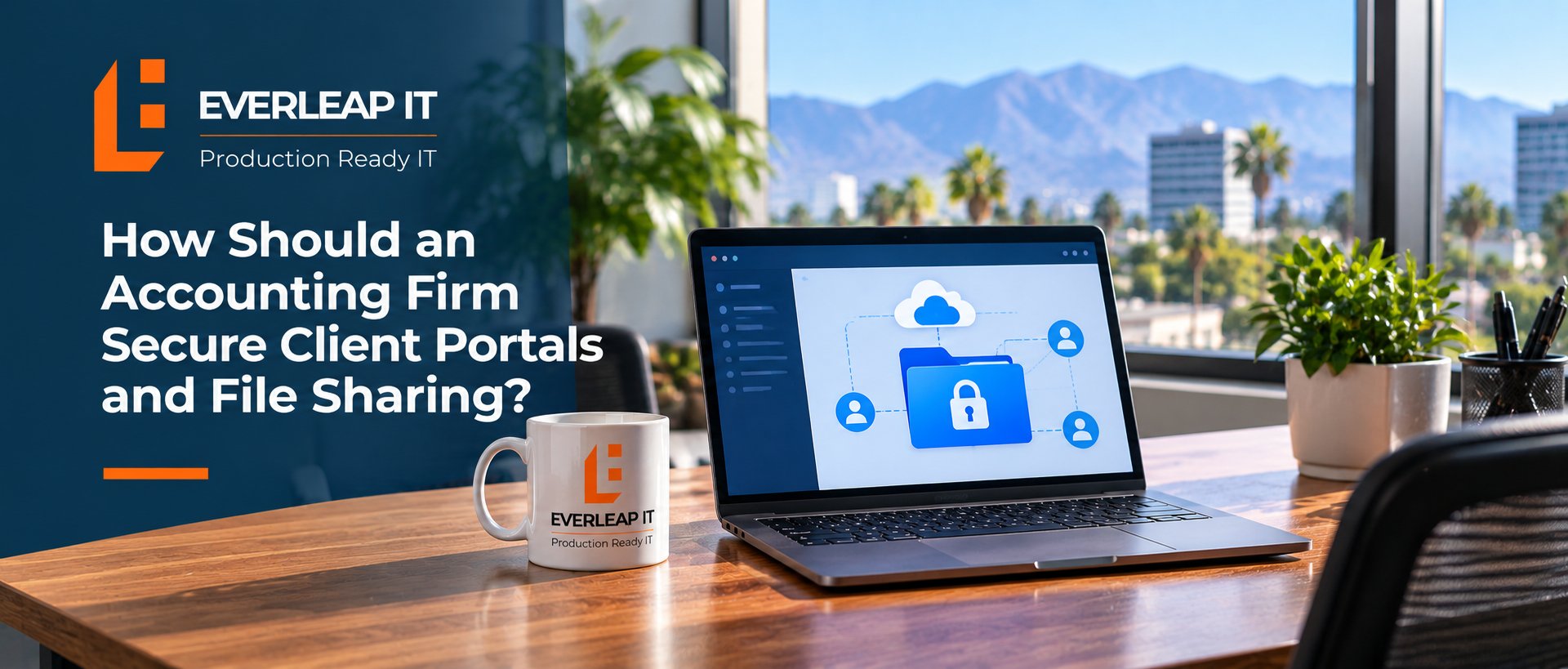
Accounting firms should secure client portals and file sharing by using approved business platforms, strong identity controls, restricted access, encryption, and a defined process for sharing and removing access. Sensitive client information should not move between whatever email accounts, consumer file-sharing services, or personal storage tools happen to be convenient.
For a 5 to 25 employee accounting firm, a practical approach is to standardize file sharing around five controls: Approved Platform → Secure Identity → Least-Privilege Access → Controlled Sharing → Ongoing Review
The goal is not simply to make files available. It is to make sure the right person can access the right information for the right amount of time.
Why Is File Sharing a Security Risk for Accounting Firms?
Accounting firms routinely exchange information that clients expect them to protect. Depending on the firm's services, shared information may include:
- Tax documents
- Financial statements
- Payroll records
- Bank information
- Social Security numbers
- Employee information
- Business records
- Scanned identification documents
- Supporting documents for tax returns and financial reporting
The security problem is not limited to hackers breaking into a system. Sensitive information can also be exposed because an employee sends a document to the wrong recipient, creates an overly broad sharing link, leaves a former employee's access active, uses a personal file-sharing account, or continues sharing a folder long after the business need has ended.
That makes secure file sharing both a technology issue and an operational process. Secure portals and controlled file sharing should be treated as part of the firm's broader cybersecurity controls, not as an isolated application setting.
Step 1: Standardize on Approved File-Sharing Platforms
The first step is deciding which systems employees are authorized to use. An accounting firm may have several legitimate options, including a dedicated client portal, a document-management platform, or approved Microsoft 365 services such as SharePoint and OneDrive. When Microsoft 365 is used to store or exchange client information, the firm's broader Microsoft 365 security configuration becomes an important part of protecting that data.
The specific product matters less than having a defined and managed platform that meets the firm's business and security requirements. Without a standard, employees may develop their own solutions. One person sends attachments through email. Another creates a personal cloud-storage account. Someone else texts a document or shares it through an application that IT does not manage. That creates what is often called shadow IT, where business information moves through systems the firm may not know about or control.
A better policy is simple: Sensitive client files should be exchanged only through approved systems. Employees should also know what those approved systems are and when each one should be used.
Step 2: Secure the Identities That Access Client Files
A secure portal is only as useful as the accounts protecting it. Strong password management and identity security help reduce the risk that a compromised employee account becomes a path into sensitive client files. If an attacker gains control of an employee's account, the attacker may be able to access whatever information that employee can reach. Accounting firms should therefore consider controls such as:
- Unique accounts for individual users
- Strong authentication
- Multi-factor authentication where supported
- No routine sharing of employee credentials
- Prompt removal of accounts when employees leave
- Appropriate protection for administrative accounts
Client-facing systems also deserve attention. If a portal supports stronger authentication for clients, the firm should evaluate whether those protections should be enabled. The underlying principle is straightforward: A shared file should not be easier to access than the sensitivity of the information justifies.
Step 3: Limit Access to the People Who Actually Need It
Not every employee needs access to every client's information. Permissions should reflect job responsibilities and business requirements. For example, an employee assigned to Client A may need access to that client's tax documents. That does not automatically mean the employee needs access to every client folder in the firm.
The same principle applies to temporary employees, contractors, outside consultants, and software vendors. Accounting firms should ask:
- Who needs access?
- What information do they need?
- Why do they need it?
- How long should the access remain active?
- Who is responsible for removing it when it is no longer needed?
This is the principle of least privilege applied to client information. The same principle can be used when managing local administrator rights on employee computers. In both cases, people should receive the access required to perform their jobs without receiving unnecessary privileges.
Step 4: Control How Files Are Shared Outside the Firm
External sharing deserves particular attention because information is leaving the firm's internal user environment. Employees should understand the difference between sharing a file with a specific authenticated recipient and creating a link that can potentially be forwarded to other people.
Where the firm's chosen platform supports appropriate controls, sharing may be restricted by factors such as:
- Named recipients
- Authentication requirements
- Expiration dates
- Read-only permissions
- Download restrictions
- Access revocation
- Sharing permissions
Not every control is available or appropriate on every platform, so firms should establish standards based on the systems they actually use. Employees should also verify recipients before sharing sensitive information. An autofilled email address that looks almost identical to the intended client's address can turn a routine file-sharing action into a data-exposure incident. Technology helps, but employees still need a repeatable process.
Step 5: Review and Remove Access
File-sharing permissions tend to accumulate. A folder is shared for a project. A temporary employee receives access. A client adds another contact. A vendor needs information for a few weeks. Then the project ends, but the access remains.
Accounting firms should periodically review access to sensitive repositories and remove permissions that no longer have a business purpose. Access should also be reviewed when:
- An employee leaves the firm
- An employee changes roles
- A contractor's engagement ends
- A client relationship ends
- A project is completed
- A vendor no longer requires access
File and portal permissions should therefore be part of the firm's IT onboarding and offboarding process, rather than handled separately or only when someone remembers to request a change. The objective is to prevent temporary access from quietly becoming permanent access.
What About Sending Sensitive Documents by Email?
Email is convenient, which is exactly why employees often default to it. But convenience should not determine how sensitive client information is exchanged. An accounting firm should establish clear guidance about what types of information may be sent through normal email and what information should instead be exchanged through an approved secure platform.
Simply telling employees to "be careful with email" is not much of a policy. A better approach answers practical questions: Can this document be attached to an email? Should it be uploaded to the client portal? Should the recipient receive a secure link instead? What should an employee do if a client sends sensitive information through an insecure method? When those decisions are defined in advance, employees are less likely to improvise.
What If Clients Prefer Their Own File-Sharing Method?
This is common. A client might ask an employee to upload documents to a consumer file-sharing account, send something to a personal email address, or use another platform the accounting firm does not normally support. The firm's security standards should not disappear simply because another method is more convenient for the client.
Before employees use an unfamiliar platform for sensitive information, the firm should determine whether the system is appropriate and whether its use has been approved. This is particularly important when a new application or online service would gain access to client information. The objective is not to make collaboration difficult. It is to prevent convenience from quietly creating unmanaged technology and data exposure.
Example: A 20-Person Accounting Firm Has Four Ways to Share Client Files
Consider a hypothetical 20-person accounting firm. During a technology review, the firm discovers that employees are exchanging client documents through four different methods:
- The firm's official client portal
- Microsoft 365
- Email attachments
- Personal file-sharing accounts created by individual employees
The firm does not need four separate ways to accomplish the same task. Instead, it determines which approved systems should be used for different types of information, configures appropriate security controls, and incorporates those standards into the firm's IT documentation so employees have a consistent process to follow. Personal file-sharing accounts are removed from the workflow.
Employees still have a convenient way to collaborate with clients, but the firm now has greater visibility into where sensitive information is stored, who can access it, and how it is being shared.
A Simple Client Portal and File-Sharing Checklist
An accounting firm should be able to answer these questions:
- Do employees know which file-sharing platforms are approved?
- Is sensitive client information kept out of personal storage accounts?
- Are employee accounts individually assigned?
- Is multi-factor authentication enabled where appropriate and supported?
- Is access limited according to job responsibilities?
- Are external sharing permissions controlled?
- Can access be revoked when it is no longer needed?
- Are departing employees promptly removed?
- Are old sharing permissions periodically reviewed?
- Do employees know what to do when a client requests an unapproved sharing method?
If the firm cannot confidently answer those questions, its file-sharing environment deserves a closer review.
How Everleap IT Helps Accounting Firms Secure Client Information
Client portals and file sharing are part of a broader cybersecurity strategy and technology-management process. The objective is not simply to deploy another security product. It is to establish consistent systems and processes for how sensitive business information is accessed, shared, and protected.
Everleap IT helps accounting firms evaluate Microsoft 365, endpoint security, identity and access controls, employee onboarding and offboarding, cybersecurity safeguards, and the technology processes surrounding client information.
Everleap IT provides managed IT services for accounting firms throughout California's Inland Empire, including Rancho Cucamonga, Upland, Ontario, Chino, Claremont, and nearby communities.
Through a Production Ready IT approach, Everleap IT treats the systems accounting firms depend on every day as business-critical technology that should be standardized, secured, documented, and actively managed. That approach is informed by more than 20 years of production hosting experience. Operating hosting environments requires disciplined attention to access control, security, availability, documentation, and ongoing management. Everleap IT brings that same operational mindset to the technology accounting firms rely on to serve their clients.
Talk with Everleap IT about your accounting firm's client portal, file-sharing, and cybersecurity environment to identify unnecessary access, inconsistent sharing practices, and other technology risks.
Not ready for a conversation? Download our IT Buyer's Guide to help evaluate whether your firm's technology is being proactively managed.